
Cricut Maker Scoring Wheel Tip


Cricut Maker Scoring Wheel Tip;
Default
Quantity
Customer Reviews
You might also be interested in
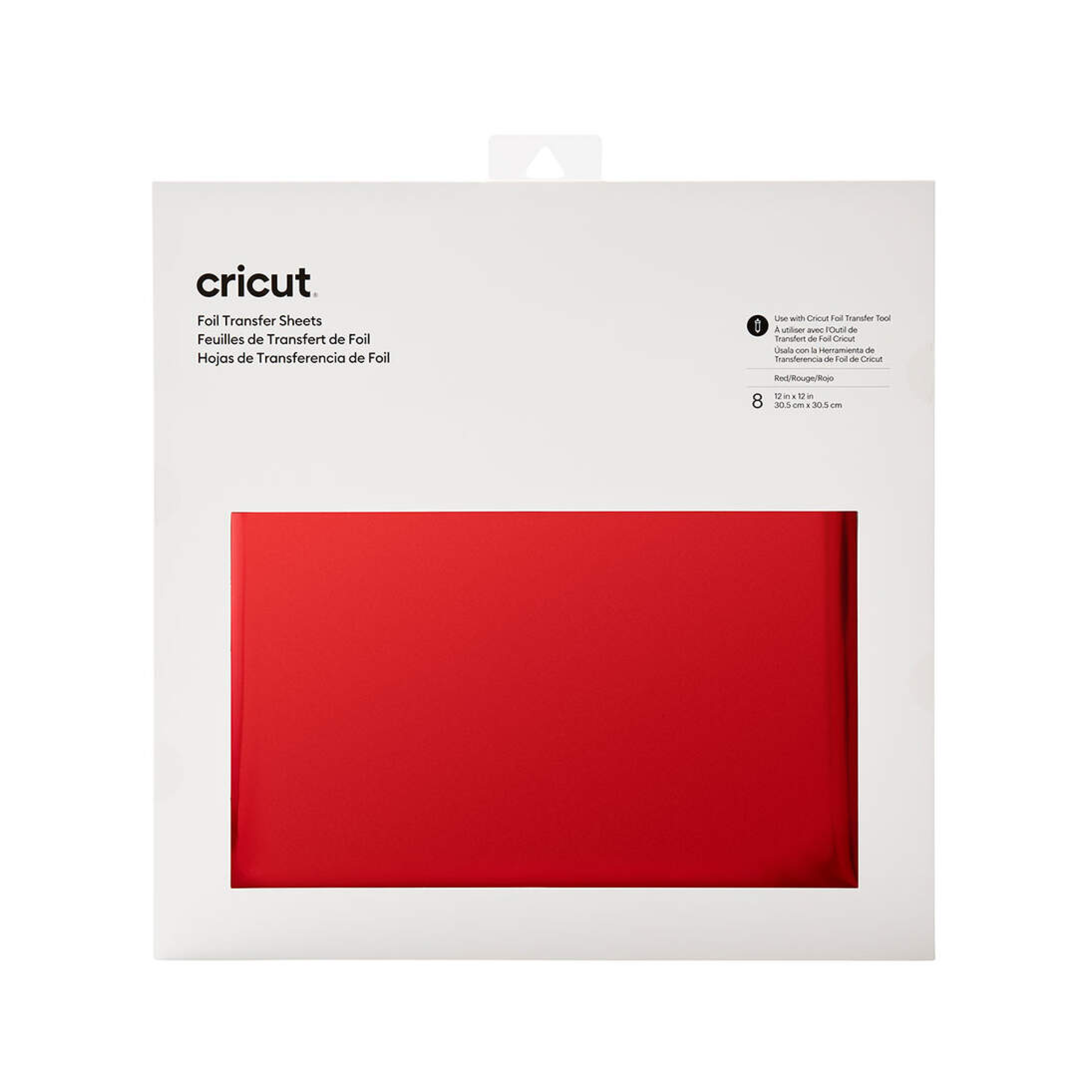
Cricut Transfer Foil Sheets 30X30 cm 8 Sheets (Red)
Cricut Transfer Foil Sheets 30x30 cm 8 sheets (Red); Ideal for adding accents to cards, invitations, gift boxes & more. Optimised for Cricut Foil Transfer Tool; For Cricut Maker & Cricut Explore machines Make your projects shine with pro-level, polished foil accents that last. Simple Design Space prompts tell you when to lay the foil sheets onto your base material. When your machine is done embellishing, peel to reveal the glimmer & gleam. For use with Cricut Maker & Cricut Explore machines and optimised for Cricut Foil Transfer Tool (sold separately). For more info, see Cricut/help/foil-transfer.
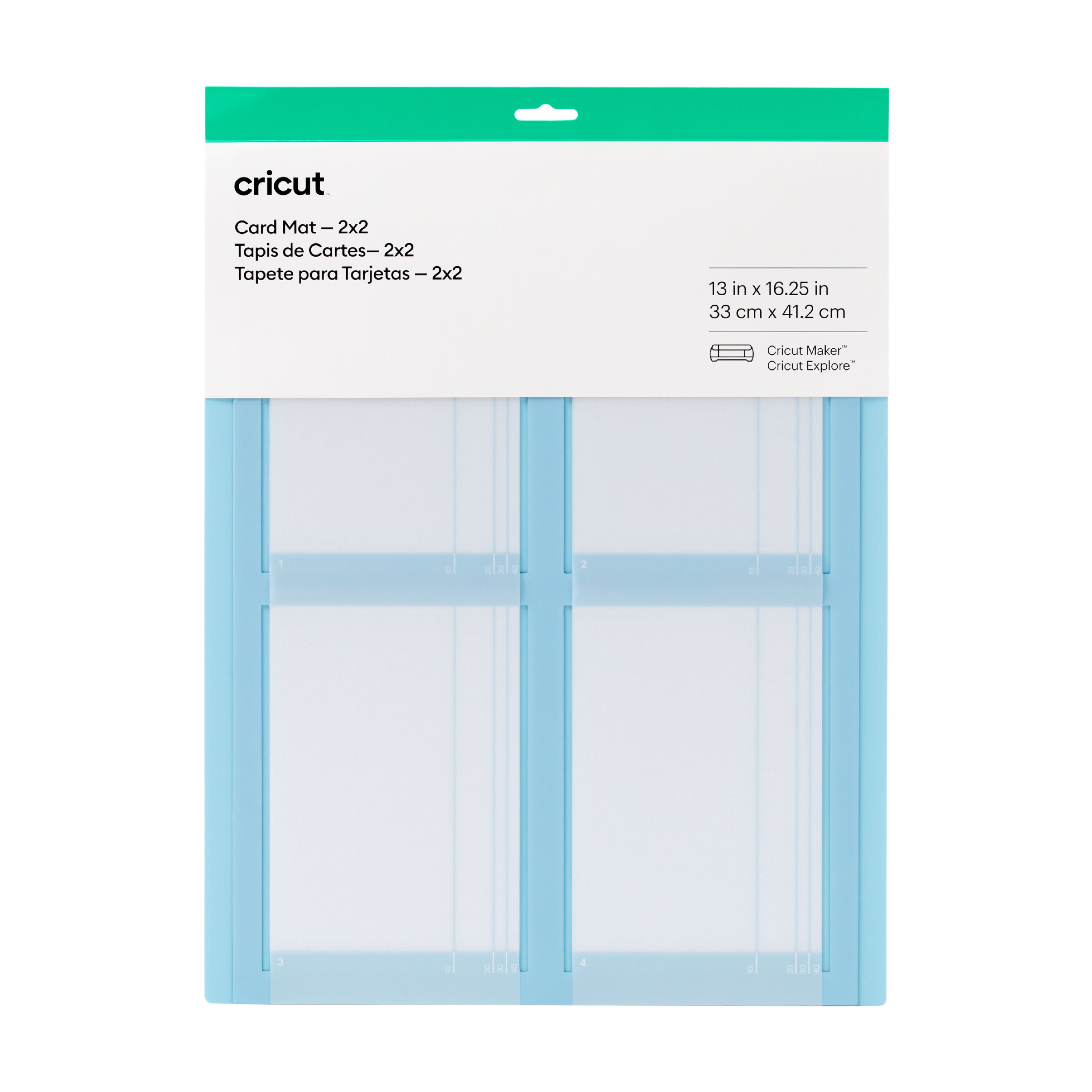
Cricut 2X2 Card Mat
Cricut 2x2 Card Mat; 1 reusable machine mat 13 in x 16.25 in (33 cm x 41 cm); Cut up to 4 custom cards at once Designed to work perfectly with all Cricut cards (sold separately) Personalise last-minute birthday cards, thank-you notes & eleventh-hour invites For Cricut Explore? or Cricut Maker? machines Multiply your card-making with the reusable Cricut? Card Mat ? 2x2. It holds up to 4 cards and works perfectly with all Cricut cards, including Insert Cards and Cutaway Cards (sold separately). For Birthdays, Thank Yous, Congrats, or Just Because ? or all four at once. Make every card count. For all Cricut Explore? and Cricut Maker? machines. For a complete list of compatible materials and instructions, visit cricut.com/insertcards.
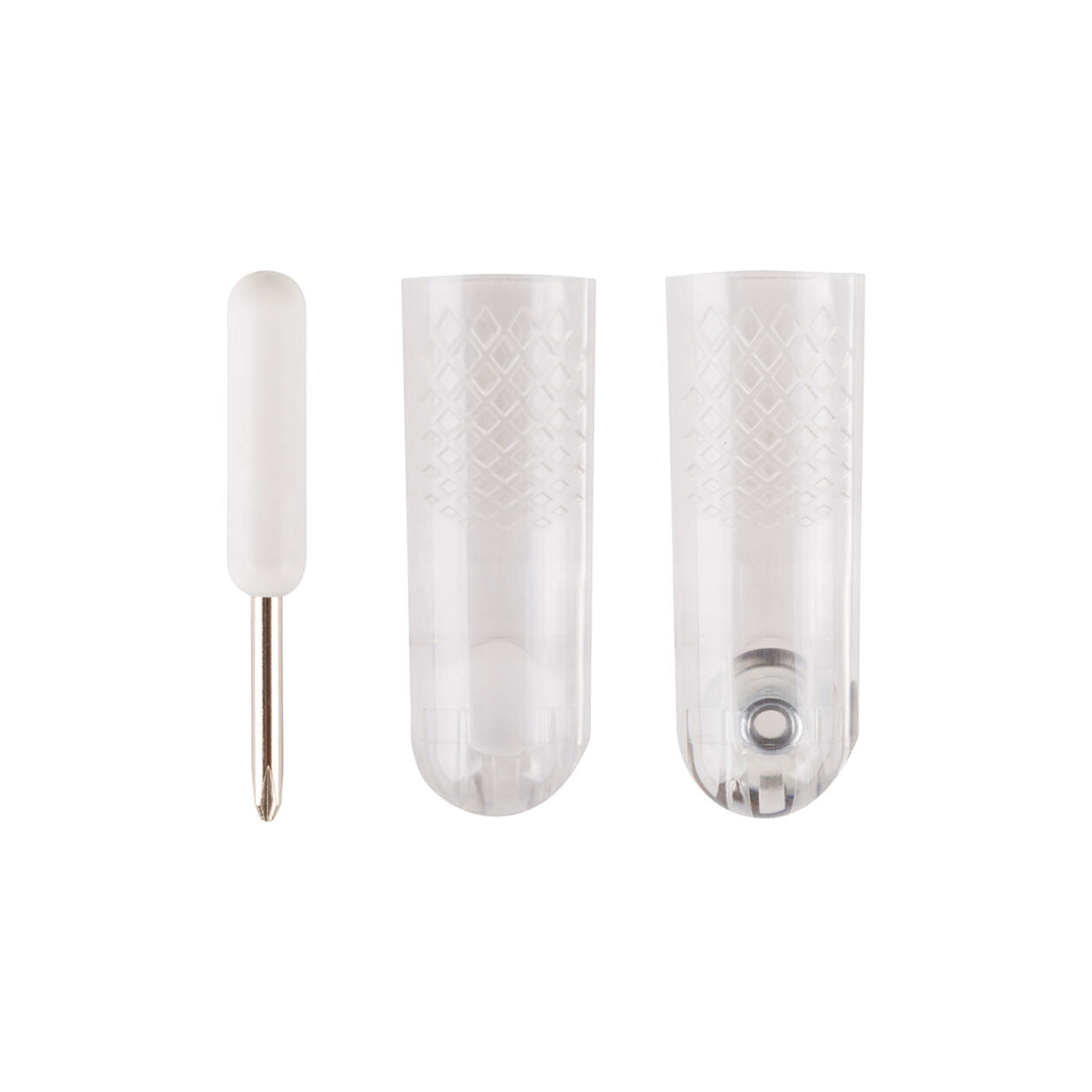
Cricut Maker Rotary Blade Replacement Kit
Cricut Maker Rotary Blade Replacement Kit; Kit includes: one protective cap with rotary blade, washer, nut (preinstalled); protective cap; small screwdriver; blade changing instructions. Cuts soft, flexible materials, such as silk, denim, cotton, burlap, and canvas Use with Cricut Maker? Smart Cutting machines only (will not work with Explore family or other machines). A new, sharp blade cuts beautiful designs out of soft fabrics for sewing projects that are quicker and easier than ever. This kit includes a protective changing cap that makes changing blades easy and safe. The cap keeps the blade covered during replacement, so you never risk contact with the blade. Cut everything from silk, cotton, and denim to canvas and burlap. You can also cut delicate materials, such as crepe paper. Choose from hundreds of sewing patterns in the Cricut? Library, then flawlessly mark and cut with your Cricut Maker. You get to do the fun part: sewing! Cut pieces to create quilts, bags, accessories, decor, stuffed animals, and much more. For results you'll always love, replace your rotary blade when you notice uncut threads or when the material settings in Design Space? no longer seem accurate. Recommended: Cricut FabricGrip? cutting mat and Washable Fabric Pen. Please note that the Rotary Blade is only for use with the Cricut Maker - it cannot be used with the Explore, Explore One, Explore Air, Explore Air 2, or any older machines.
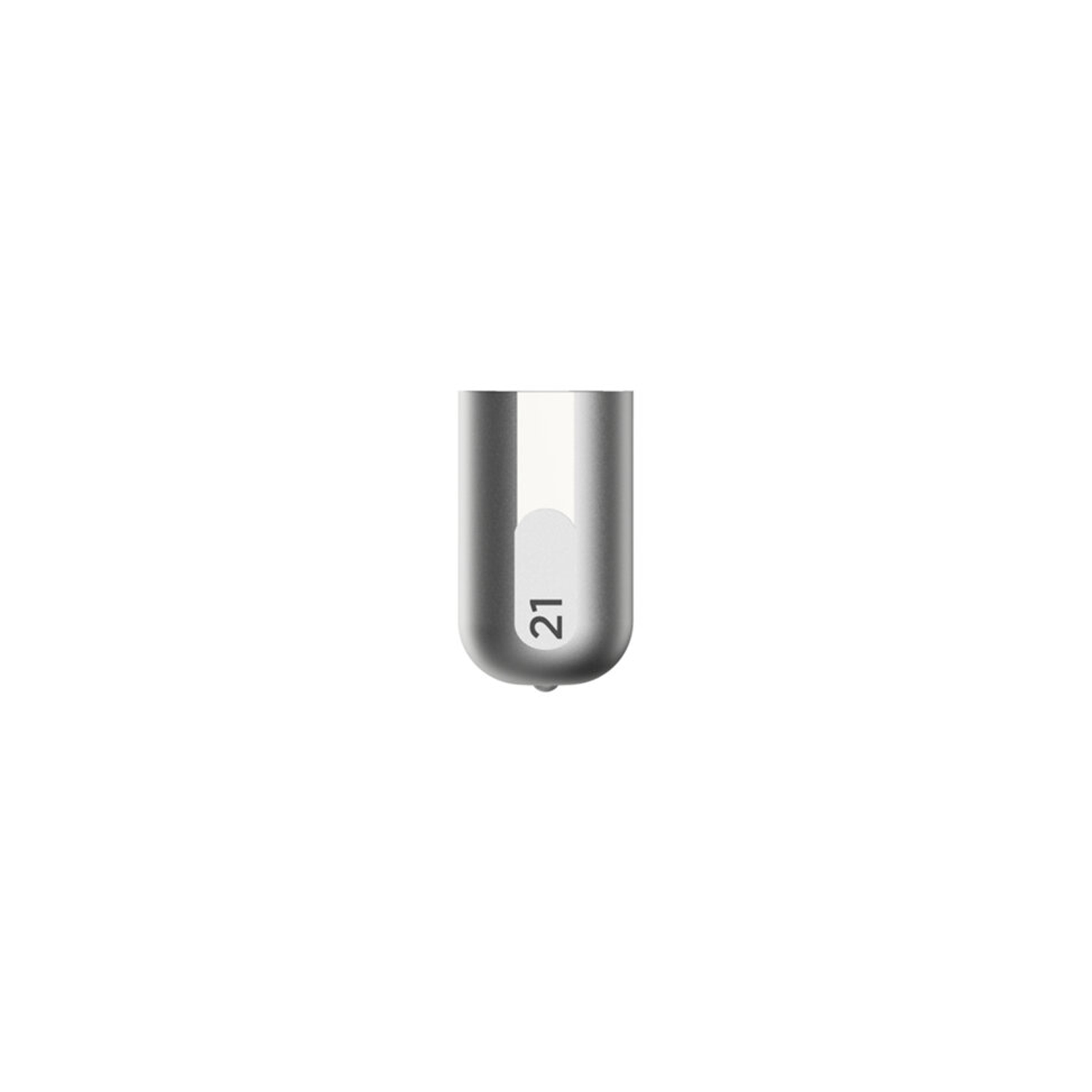
Cricut Maker Debossing Tip
Cricut Maker Debossing Tip only. Customise projects with crisp, detailed debossed designs, no folders necessary; For Cricut Maker machines only. For use with a QuickSwap housing (sold separately) Deboss any design you'd like, including decorative flourishes, patterns, monograms, logos, seals, and more. Creating personalised crafts has become easy with Cricut accessories. To achieve professional polish and elevated elegance on a wide variety of materials, Cricut is here with our Fine Debossing Tip. This debossing tool must be swapped onto the QuickSwap Housing (sold separately) for use in the Cricut Maker machine family. With a wider range of motion, the rolling debossing ball gives you free rein to customise, personalise, and design coated paper, duct tape sheet, shimmer and glitter paper, foil cardstock, and much more, and create decorative flourishes, patterns, monograms, logos, seals, and more with incredible intricacy. The debossing tip can be swapped out for any other QuickSwap tip, including the scoring tip, engraving tip, perforation blade, and wavy blade (sold separately) to inscribe designs. With our impressive range of crafting tools, ultimate smart-cutting machines, and other craft supplies & materials, you can make your personal DIY projects more fun and easier.
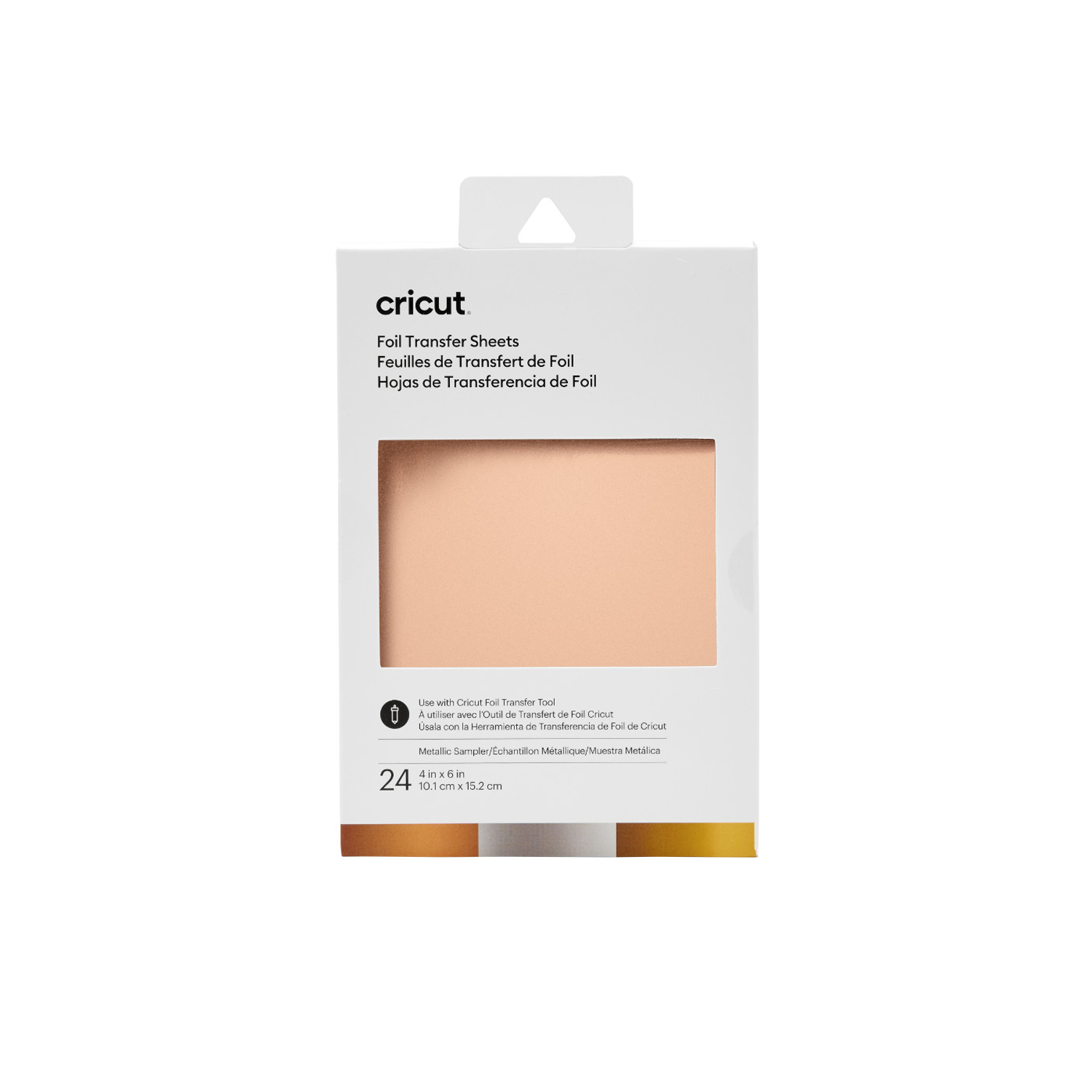
Cricut Transfer Foil Sheets Sampler 10X15 cm 24 Sheets (Metallic)
Cricut Transfer Foil Sheets Sampler 10x15cm 24 sheets (Metallic); 24 sheets (3 colors, 8 each) 4" x 6" (10.1 cm x 15.2 cm) in Gold, Silver, Rose Gold; Make your projects shine with stunning foil effects; Ideal for adding accents to cards, invitations, gift boxes & more; Optimized for Cricut Foil Transfer Tool; For Cricut Maker & Cricut Explore machines Add elegant shine to your projects with polished, pro-level foil accents that last. These sheets make it easy to add foil effects to almost any project – just follow simple prompts in Design Space . Then, peel to reveal the glorious glimmer & gleam when your machine is done. For use with Cricut Maker & Cricut Explore machines. Optimized for Cricut Foil Transfer Tool.