
Cricut 2X2 Card Mat (Direct To Customer)


Cricut 2x2 Card Mat;
Type
Quantity
Customer Reviews
You might also be interested in
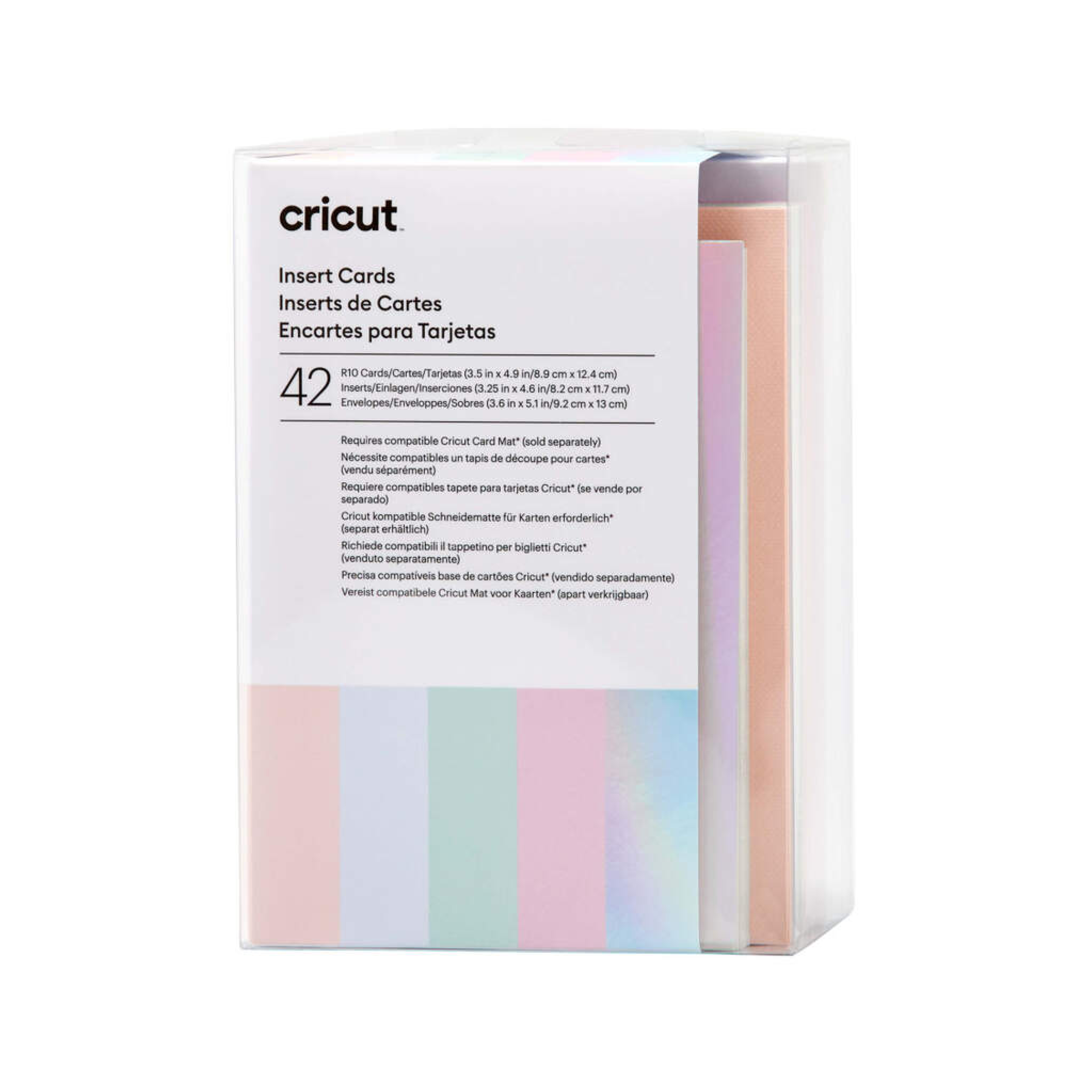
Cricut insert Cards Princess R10 (8 9 cm X 12 4 cm) 42-Pack
Cricut Insert Cards Princess R10 (8;9 cm X 12;4 cm) 42-Pack; 42 R10 Cards in Tulip (11), Powder Blue (11), Whispering Blue (10), Lavender (10); 42 Inserts in Silver Holographic; 42 White Envelopes; Dimensions: R10 Cards 3.5 in x 4.9 in (8.9 cm x 12.4 cm), Inserts 3.25 in x 4.6 in (8.2 cm x 11.7 cm), Envelopes 3.6 in x 5.1 in (9.2 cm x 13 cm); Easy to cut with Cricut Joy? Card Mat or Cricut Card Mat (sold separately) For Cricut Joy?, Cricut Explore?, and Cricut Maker? machines Quick, personalised greeting cards with a big impact are at your fingertips with Insert Cards for your Cricut Joy cutting machine. The ingenious glue-free design lets you create two-tone, depth-filled cards without mess or hassle. Cut intricate, meaningful words and images into the face of the card to let the beautiful insert colour show through. These cards include white envelopes and come in a bounty of colours to please every card recipient on your list! For use with Cricut Joy. Requires Cricut Joy Card Mat (sold separately).
%2042-pack.png?alt=media&token=8c1d31a2-0fc7-4a3a-b6cb-021346e78b07)
Cricut insert Cards Sensei R10 (8 9 cm X 12 4 cm) 42-Pack
Cricut Insert Cards Sensei R10 (8;9 cm X 12;4 cm) 42-Pack; 42 R10 Cards (14 of each Colour) in Twilight, Tulip, Powder Blue; 42 Inserts (14 of each Colour) in Mustard, Party Pink, Khaki; 42 White Envelopes; Dimensions: R10 Cards 3.5 in x 4.9 in (8.9 cm x 12.4 cm), Inserts 3.25 in x 4.6 in (8.2 cm x 11.7 cm), Envelopes 3.6 in x 5.1 in (9.2 cm x 13 cm) Easy to cut with Cricut Joy? Card Mat or Cricut Card Mat (sold separately) For Cricut Joy?, Cricut Explore?, and Cricut Maker? machines Quick, personalised greeting cards with a big impact are at your fingertips with Insert Cards for your Cricut Joy cutting machine. The ingenious glue-free design lets you create two-tone, depth-filled cards without mess or hassle. Cut intricate, meaningful words and images into the face of the card to let the beautiful insert colour show through. These cards include white envelopes and come in a bounty of colours to please every card recipient on your list! For use with Cricut Joy. Requires Cricut Joy Card Mat (sold separately).
%203-Pack_thumbnail.png?alt=media&token=98b28883-b6c5-43d1-85c8-f0c6237b2c03)
Cricut Explore/Maker Lightgrip-Standard-Stronggrip Machine Mat (30X30 cm) 3-Pack (Direct To Customer)
Cricut Explore/Maker LightGrip-Standard-StrongGrip Machine Mat (30x30 cm) 3-pack; 3 reusable machine mats 12" x 12"" (30.5 cm x 30.5 cm)
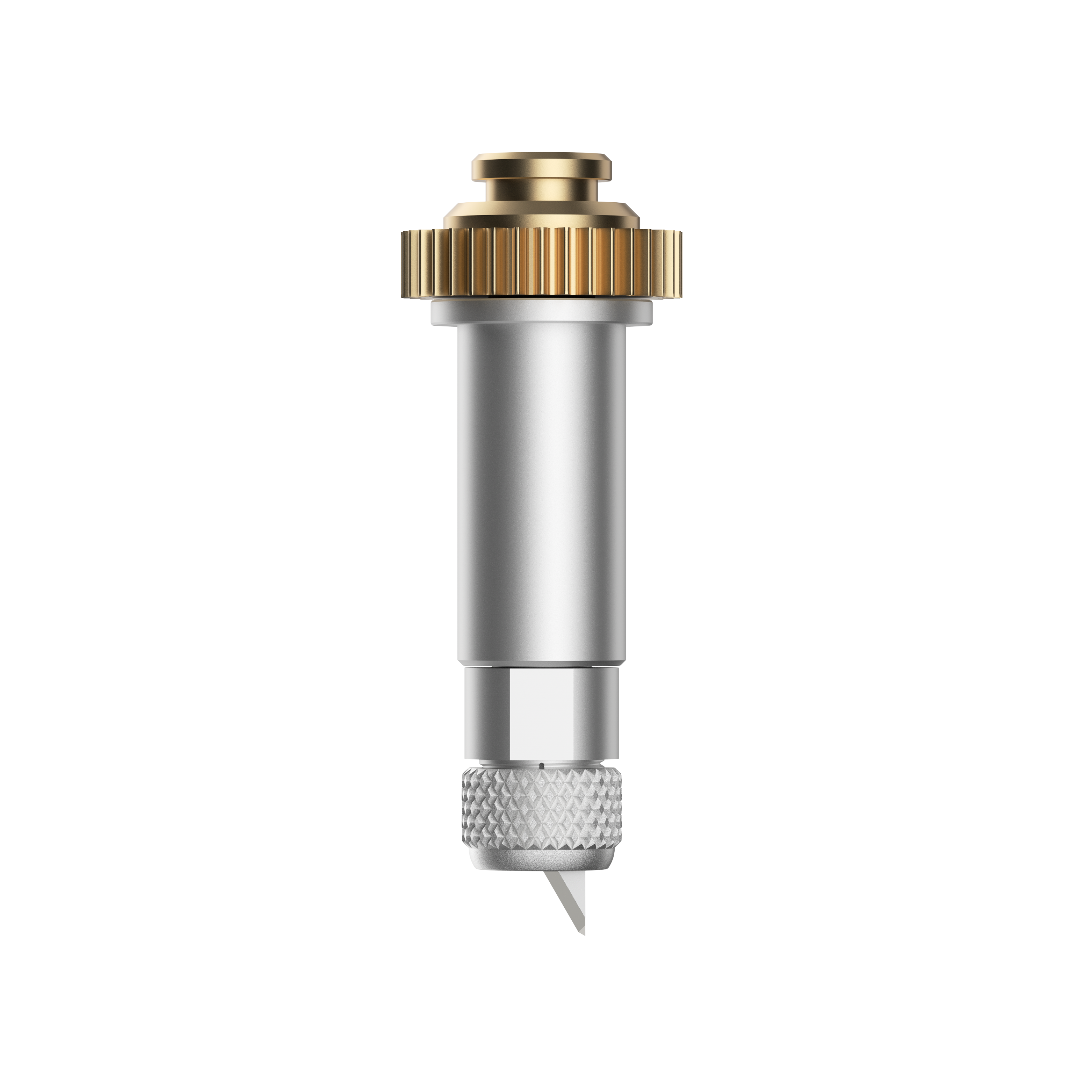
Cricut Maker Knife Blade With Drive Housing
Cut more, make more. Get precise cuts through thicker or denser materials such as balsa wood, leather, craft foam, and more. Add texture and dimension to your projects. 1 premium 12 mm carbide blade and Drive Housing For use with Cricut Maker? only Create puzzles, models, leather goods, toys, and more Not recommended for cutting images or details smaller than ?" Requires a computer with Design Space?; not compatible with mobile apps. Qualified Knife Blade cutting materials include: Balsa wood,?up to 3/32" Basswood, up to 1/16" Tooling leather, up to 7 oz Garment leather, up to 5oz Cricut? Chipboard, 2mm Matboard, 2-ply or 4-ply Craft foam, up to 2mm