
Cricut insert Cards Foil Blue Lagoon R20 (10 8 cm X 14 cm) 8-Pack


Cricut insert Cards Foil Blue Lagoon R20 (10 8 cm X 14 cm) 8-Pack
Cricut Insert Cards Foil Blue Lagoon R20 (10;8 cm X 14 cm) 8-Pack; 8 A2 cards (4 Midnight Blue, 4 Deep Teal); 8 inserts (4 Silver Matte Holographic, 4 Powder Blue);
Type
Quantity
Customer Reviews
You might also be interested in
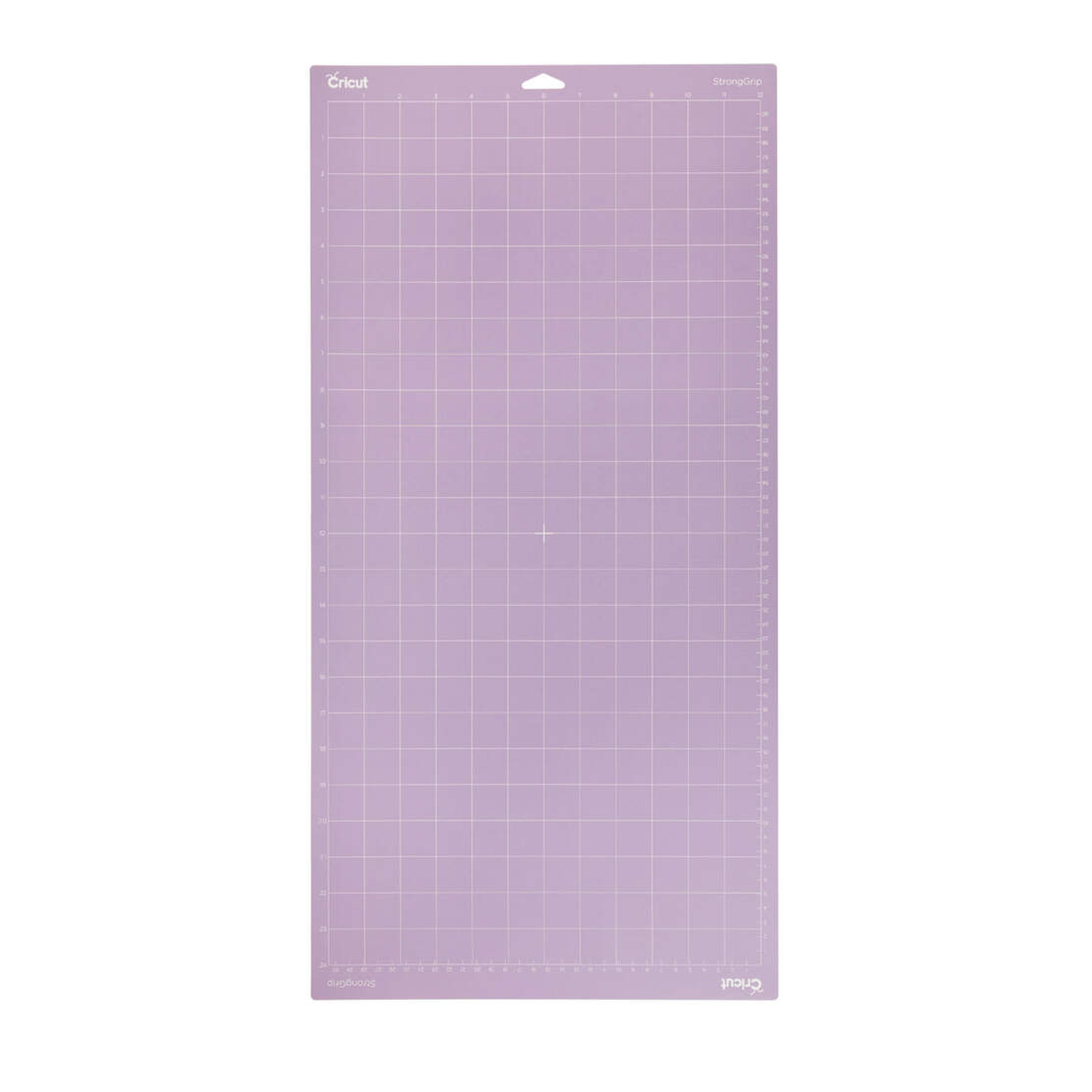
Cricut Explore/Maker Stronggrip Machine Mat (30X60 cm) 1-Pack
Cricut Explore/Maker StrongGrip Machine Mat (30x60 cm) 1-pack; Use with Speciality cardstock, matboard, and backed fabric Formulated for the best possible adhesion and longest life For Cricut Maker? and Cricut Explore? cutting machines Perfect for materials like Speciality cardstock, chipboard, mat board, and backed fabric, the StrongGrip Mat was carefully engineered for heavyweight materials. s the interface between your material and your Cricut machine, each reusable mat holds your material in place as it's cut and makes it easy to remove finished pieces cleanly once a cut is complete. Each mat is formulated to ensure the best possible adhesion and the longest possible life. For use with Cricut Maker? and Cricut Explore? cutting machines. Tips: Keep the clear film cover on the mat when storing to keep the mat dust-free. Use the scraper to remove excess pieces, and the spatula to carefully remove cut images. To ensure optimal performance, use the recommended material types for the mats.
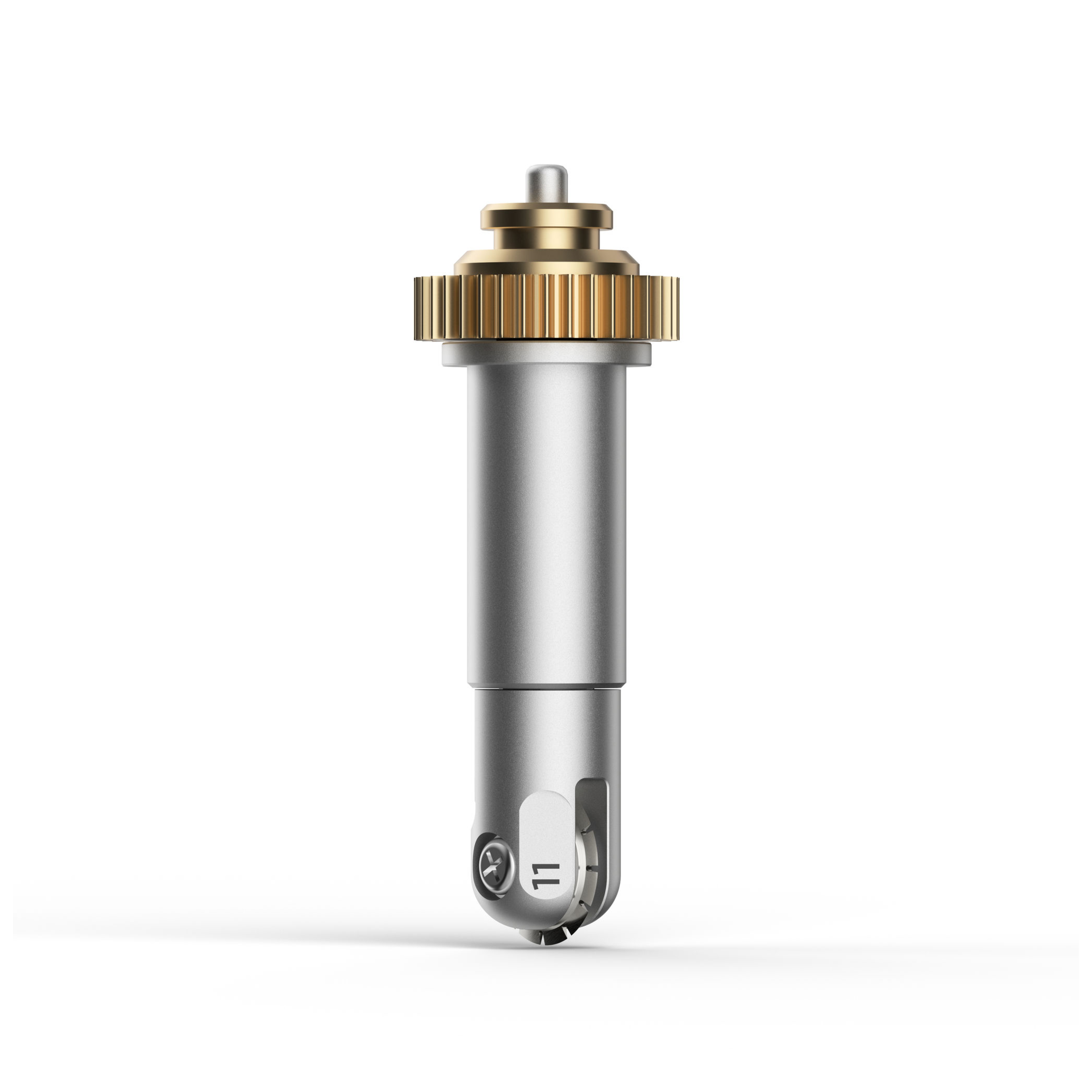
Cricut Maker Perforation Blade Tip With Quickswap Housing
Cricut Maker Perforation Blade Tip With Quickswap Housing; Basic Perforation Blade, 2.5 mm teeth / 0.5 mm gaps Create perfect tear-offs and easy peel-aways using paper, cardstock, acetate, poster board, and more For Cricut Maker? machines only Includes the QuickSwap? Housing. Make holiday ornaments, paper dolls, raffle tickets, tear-away cards or gift coupons, advent calendars, and more. Perfect for paper, cardstock, foam, acetate, and foil. For more info, visit help.cricut.com/perfblade Get smooth tears quickly and effortlessly with precise perforation cuts for a wide variety of projects. To create uniform, finely perforated lines for any design, snap this tip onto the QuickSwap Housing and tell your Cricut Maker to "Go!" Evenly spaced perforation lines allow for clean, even tearing without the need to fold beforehand ? especially great for shapes with curves. Perfect for tear-out booklet pages, raffle tickets, homemade journals, or any project that demands a clean tear. Easily swap out with any QuickSwap tip. For use with Cricut Maker machines. Expand your collection of Cricut Maker tools with a variety of QuickSwap tips. Just swap out the Basic Perforation Blade with any other QuickSwap tip, including Engraving Tip, Debossing Tip, Scoring Wheels, and Wavy Blade ? with more on the way.
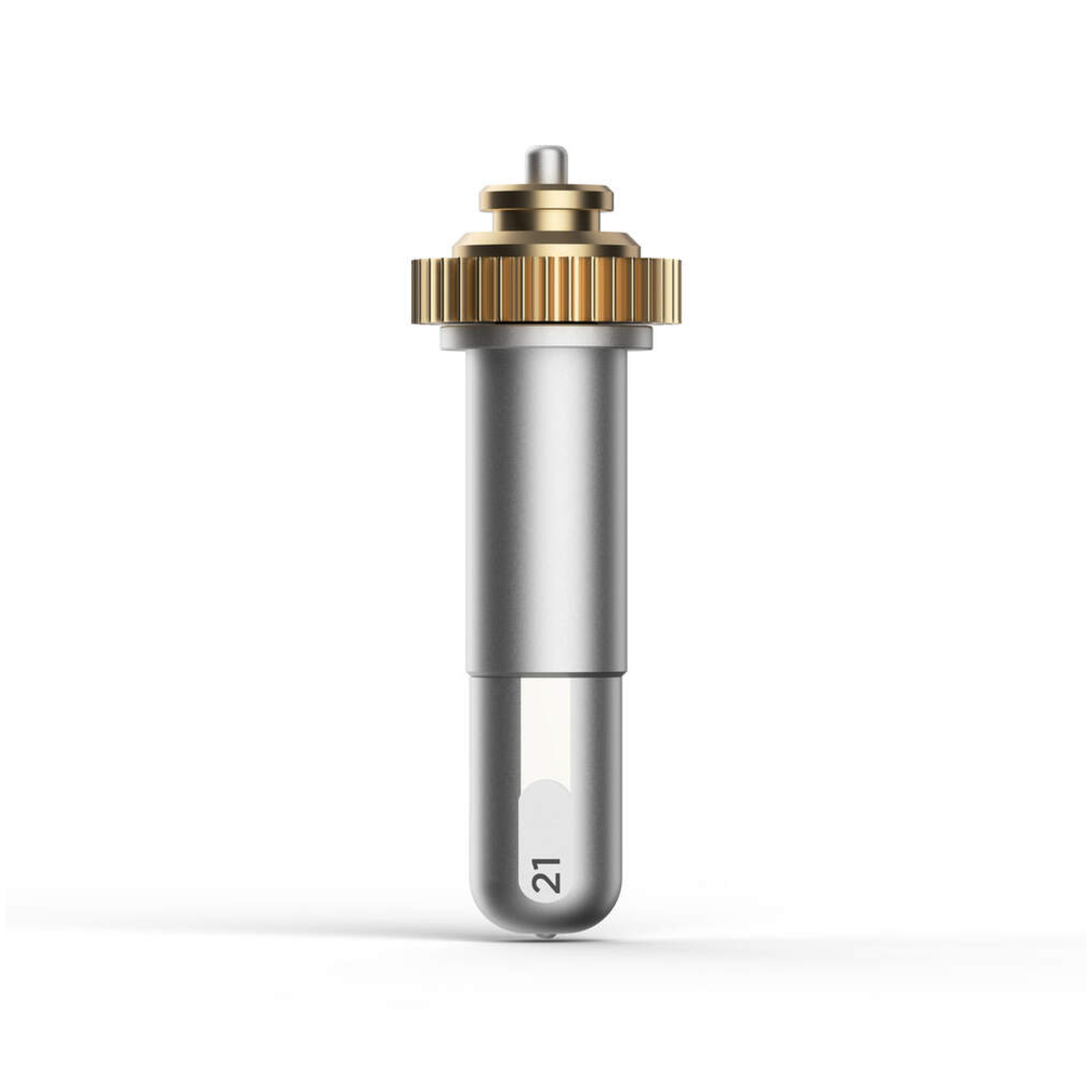
Cricut Maker Debossing Tip With Quickswap Housing
Cricut Maker Debossing Tip with QuickSwap Housing Customise projects with crisp, detailed debossed designs, no folders necessary; For Cricut Maker machines only. Includes QuickSwap Housing; Deboss any design you'd like, including decorative flourishes, patterns, monograms, logos, seals, and more. Creating personalised crafts has become easy with Cricut accessories. To achieve professional polish and elevated elegance on a wide variety of materials, Cricut is here with our Fine Debossing Tip + Housing. This debossing tool must be swapped onto the QuickSwap Housing (included) for use in the Cricut machine. With a wider range of motion, the rolling debossing ball gives you free rein to customise, personalise, and design coated paper, duct tape sheet, shimmer and glitter paper, foil cardstock, and much more, and create decorative flourishes, patterns, monograms, logos, seals, and more with incredible intricacy. This debossing tip and housing are compatible with your Cricut Maker machine. They can be swapped out for any other QuickSwap tip, including the scoring tip, engraving tip, perforation blade, and wavy blade (sold separately) to inscribe designs. With our impressive range of crafting tools, ultimate smart-cutting machines, and other craft supplies & materials, you can make your personal DIY projects more fun and easier.
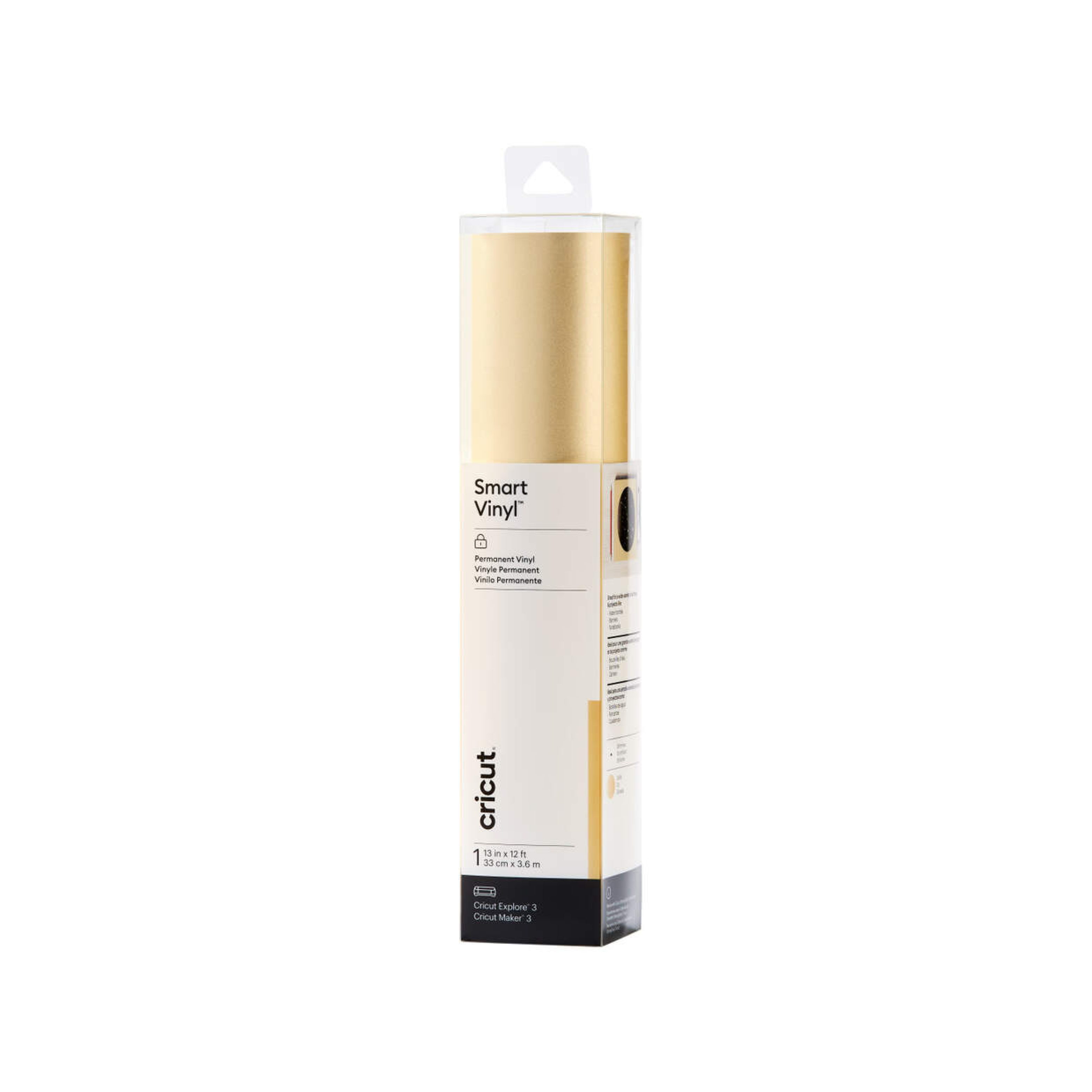
Cricut Smart Vinyl Permanent 33X366 cm 1 Sheet (Shimmer Gold)
Cricut Smart Vinyl Permanent 33X366 cm 1 Sheet (Shimmer Gold); 1 roll 33 cm x 3.6 m (13 in x 12 ft), 1 sheet StrongGrip Transfer Tape 30.5 cm x 0.9 m (12 in x 3 ft); Works without a cutting mat, just load & go! Recommended for indoor use; Use with Cricut StrongGrip Transfer Tape; For Cricut Explore 3 and Cricut Maker 3 Cricut Smart Vinyl Permanent Sheet is a must-have for crafters looking to add a sophisticated sparkle to their designs. With a premium shimmer finish, this vinyl offers a sleek and stylish black look that remains vibrant over time. Its strong adhesion ensures it stays in place on various surfaces, making it ideal for long-term projects. Whether you're designing custom decals, labels or home decor items, this vinyl cuts effortlessly with Cricut machines, no mat needed. Plus, its water-resistant and weatherproof properties make it suitable for both indoor and outdoor applications.
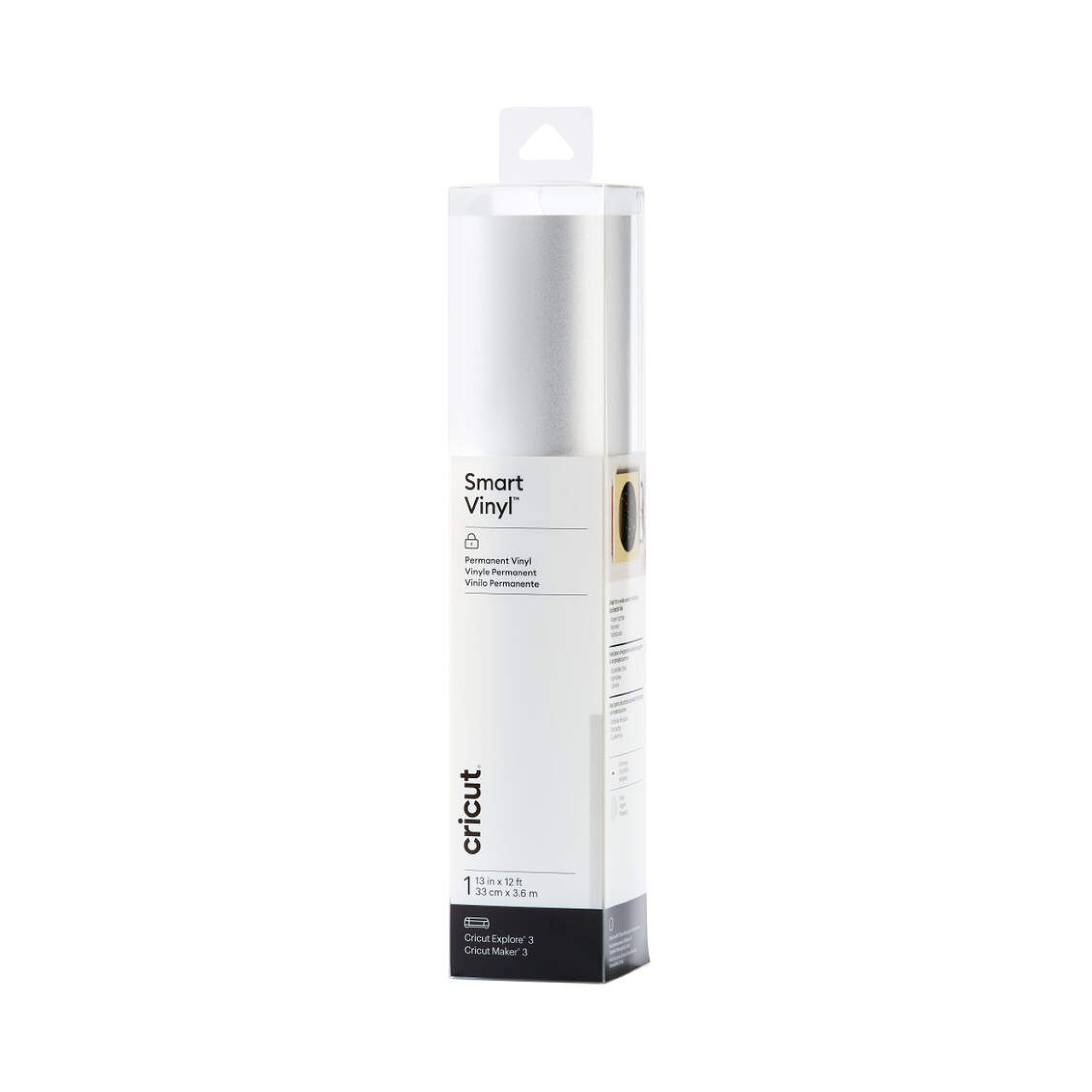
Cricut Smart Vinyl Permanent 33X366 cm 1 Sheet (Shimmer Silver)
Cricut Smart Vinyl Permanent 33X366 cm 1 Sheet (Shimmer Silver); 1 roll 33 cm x 3.6 m (13 in x 12 ft), 1 sheet StrongGrip Transfer Tape 30.5 cm x 0.9 m (12 in x 3 ft); Works without a cutting mat, just load & go! Recommended for indoor use; Use with Cricut StrongGrip Transfer Tape; For Cricut Explore 3 and Cricut Maker 3 Cricut Smart Vinyl Permanent Sheet is a must-have for crafters looking to add a sophisticated sparkle to their designs. With a premium shimmer finish, this vinyl offers a sleek and stylish black look that remains vibrant over time. Its strong adhesion ensures it stays in place on various surfaces, making it ideal for long-term projects. Whether you're designing custom decals, labels or home decor items, this vinyl cuts effortlessly with Cricut machines, no mat needed. Plus, its water-resistant and weatherproof properties make it suitable for both indoor and outdoor applications.
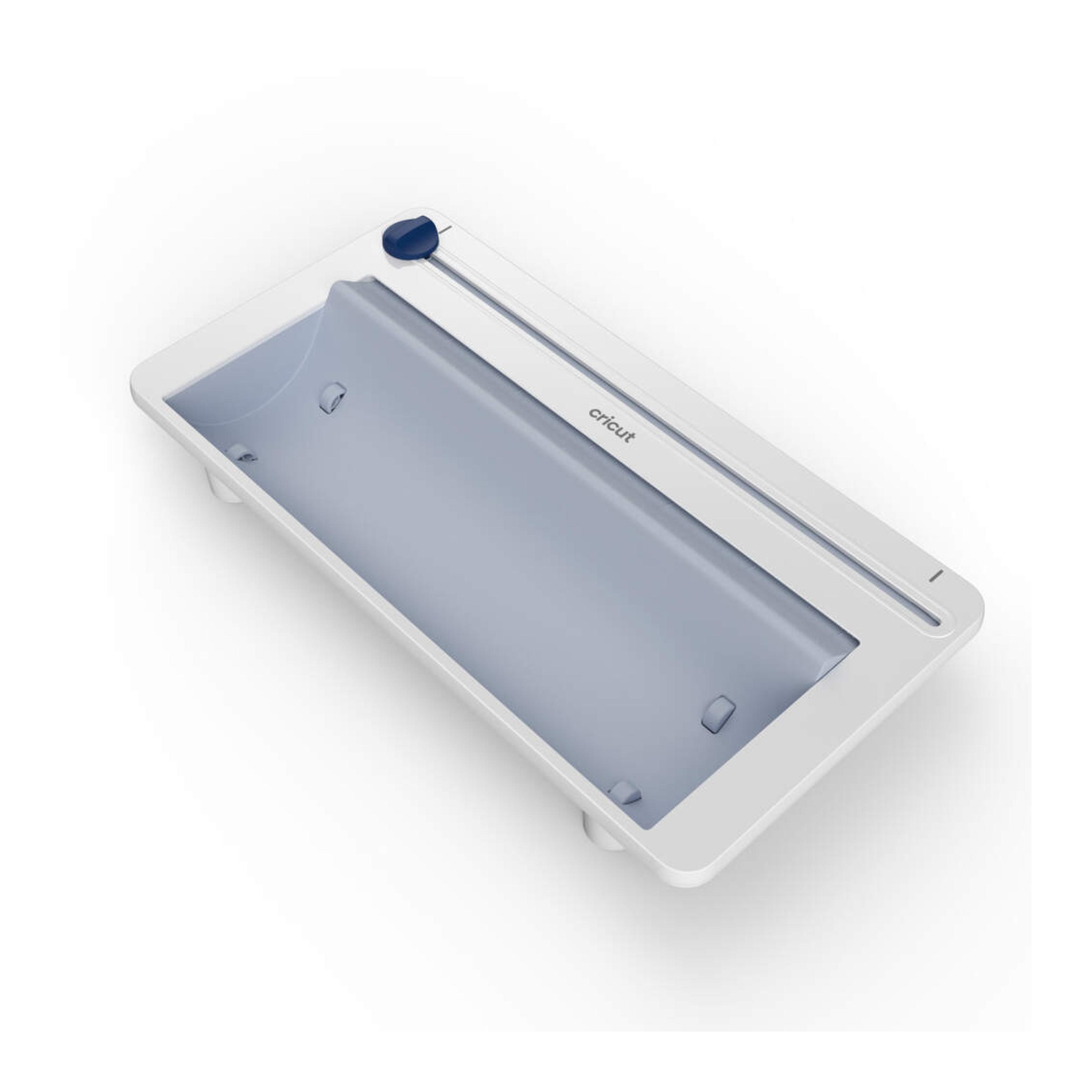
Cricut Roll Holder For Smartmaterials
Cricut Roll Holder for SmartMaterials. Keeps rolled material aligned, for clean, precise cuts; Built-in trimmer ensures a straight edge every time. Fits rolls of Cricut Smart Materials from 4 to 75 ft (3m to 22.8 m); For Cricut Explore 3 and Cricut Maker 3 Keep your Cricut SmartMaterials organised and aligned for clean and precise cuts. Cricut roll holder features a unique design to secure and guide your material into your Cricut cutting machine for cutting projects without a mat - just load & go. With a deep basin to hold Cricut Smart Material rolls from 4 to 75 feet (3m to 22.8 m), this accessory attaches to your machine in seconds and includes a built-in trimmer to ensure a straight edge from start to finish. Suitable for use with Cricut Explore 3 and Cricut Maker 3.
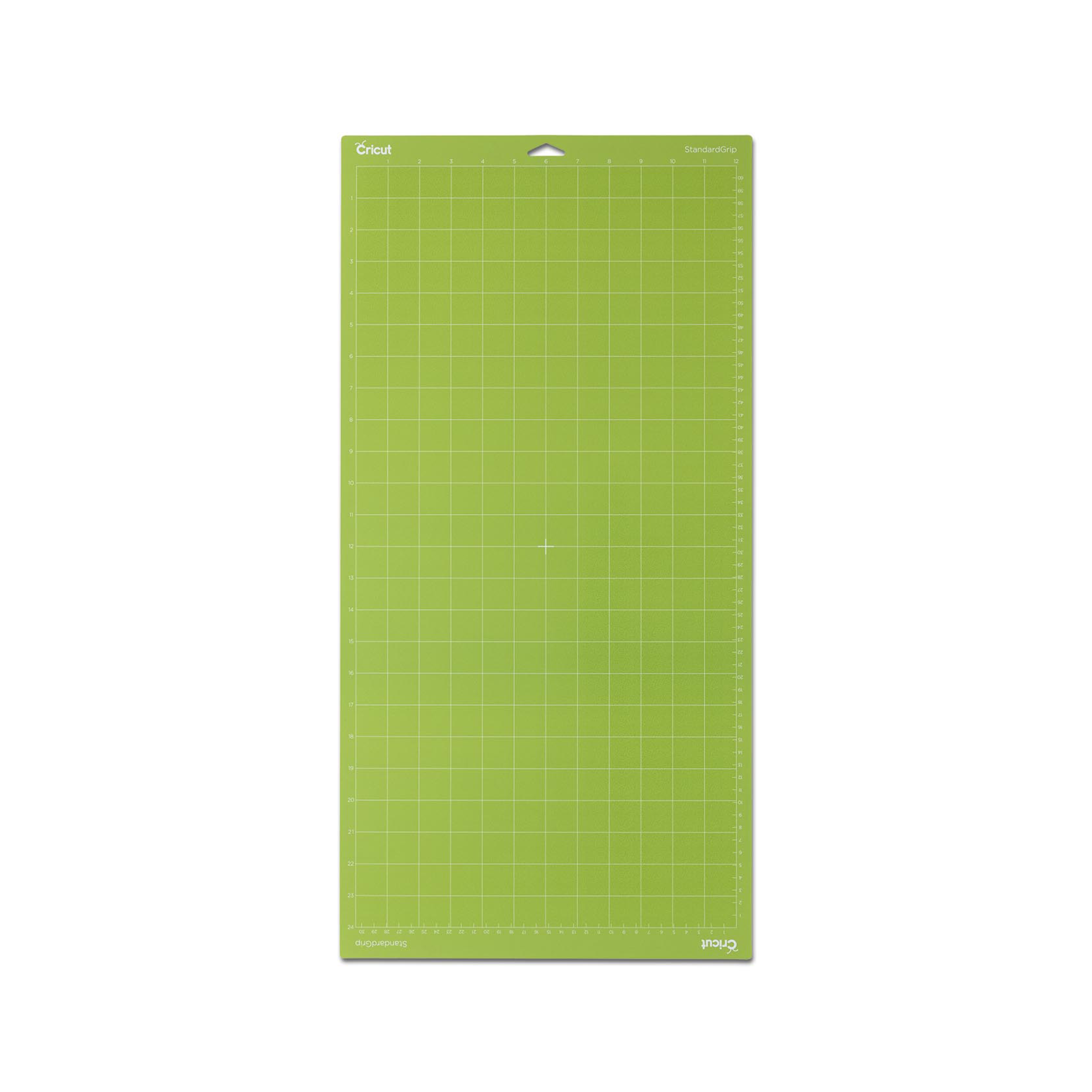
Cricut Explore/Maker Standardgrip Machine Mat (30X60 cm) 1-Pack
Cricut Joy LightGrip Machine Mat 1-pack (11,5x30 cm); Secure lightweight materials, including standard paper, light cardstock, and vellum For Cricut Joy? only Make fun and functional projects with everyday materials you have at home Made with long-lasting, water-based adhesive For a complete list of compatible materials and instructions, visit help.cricut.com/cricutjoy When you need a softer release for lightweight materials, this reusable mat's your go-to. Its long-lasting adhesive secures everyday paper items you may already have at home, like copy paper and light cardstock, for cutting and writing with your Cricut Joy? machine. So you can make all sorts of things, from chore charts and colouring pages to Infusible Ink? Pen & Marker projects. For use with Cricut Joy machines only. For a complete list of compatible materials and instructions, visit help.cricut.com/cricutjoy. Tips: Keep the clear film cover on the mat when storing to keep the mat dust-free. Use the scraper to remove excess pieces, and the spatula to carefully remove cut images. To ensure optimal performance, use the recommended material types for the mats.